
ImgFunction Sized Example Page

About Sized Image Page
On this page the original full sized photographs have been resized and we have also introduced the use of the HTML picture tag.
This tag enables us to provide the picture gallery with multiple sizes of each image and show them in the different sized views between mobile and desktop.
To resize the photos, we didn't have any additional fancy or costly editing software, only the photo editor that came on my standard Windows computer.
Sized Image Methods
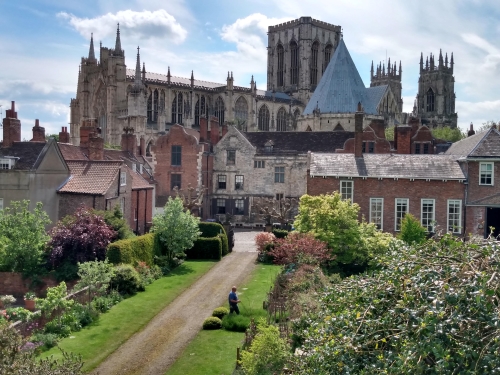
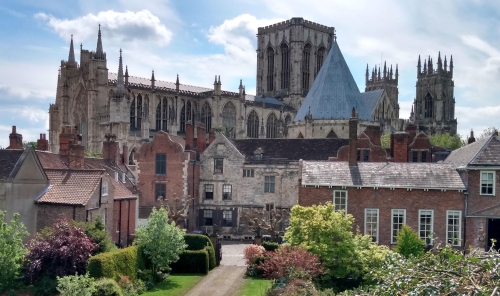
Before editing the photos, we had to decide what maximum size we wanted each to be displayed at, for example the Minster photos we didn't want to go any larger than 500px (pixels) wide.
We then opened the photo in the editor, selected resize and custom dimensions, added the width I wanted and clicked the maintain aspect ratio box and then saved it as a new file.
Now I don't believe you'll be able to see a difference in picture quality from the original to the resized photo, but the file size of the Cropped Minster photo has gone from a whopping 1.49mb to just 142kb.
To provide the different sized photos for the "mini_gallery" we have wrapped the <img> tag with the <picture> tag.
Within the picture tag we can serve additional images of different sizes by added them within a <source> tag and controlling when they are shown with a media query.
Page Stats
This page contains 11 images with a total size of 557kb which when we tested took 243ms to download.
Original page contains 11 images with a total size of 11MB which when we tested took 2.10s to download.


All Photographs used on these pages are our own, having been personally taken by us of some of our favourite places where we live in York.
York Minster taken from the Bar Walls and several snapshots of the National Railway Museum.