
ImgFunction Optimized Example Page

Optimized With Tinyjpg
On this page we have taken the Sized page photographs and optimized them reducing each photos file size considerably without compromising the quality of the image.
To optimize our photos, we used the online tool TinyJPG (other optimization tools are available), as it allows you to optimize for free up to 20 photos at a time.
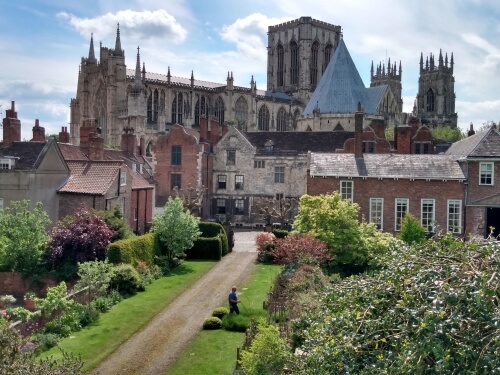

Optimized Image Method
It does this by analysing the image, then minimizing and stripping any unnecessary data within the image file, this greatly reduces the file size while not compromising the picture quality.
Tiny have also made it really simple to use just go to tinyjpg.com then drag and drop your chosen .jpeg into the box, it then does all the hard work and provides you with a new smaller file to download! The percentage reduction in size will differ with each image.
For example, we saw the cropped Minster photo went from 1.49mb to just 142kb when resized. Now after optimizing it is only 77.7kb, a further 43% reduction in size!
Page Stats
This page contains 11 images with a total size of 293KB which when we tested took 164ms to download.
Sized page contains 11 images with a total size of 557kb which when we tested took 243ms to download.
Original page contains 11 images with a total size of 11MB which when we tested took 2.10s to download.


All Photographs used on these pages are our own, having been personally taken by us of some of our favourite places where we live in York.
York Minster taken from the Bar Walls and several snapshots of the National Railway Museum.
Home / Examples / Optimized / Optimized Tiny